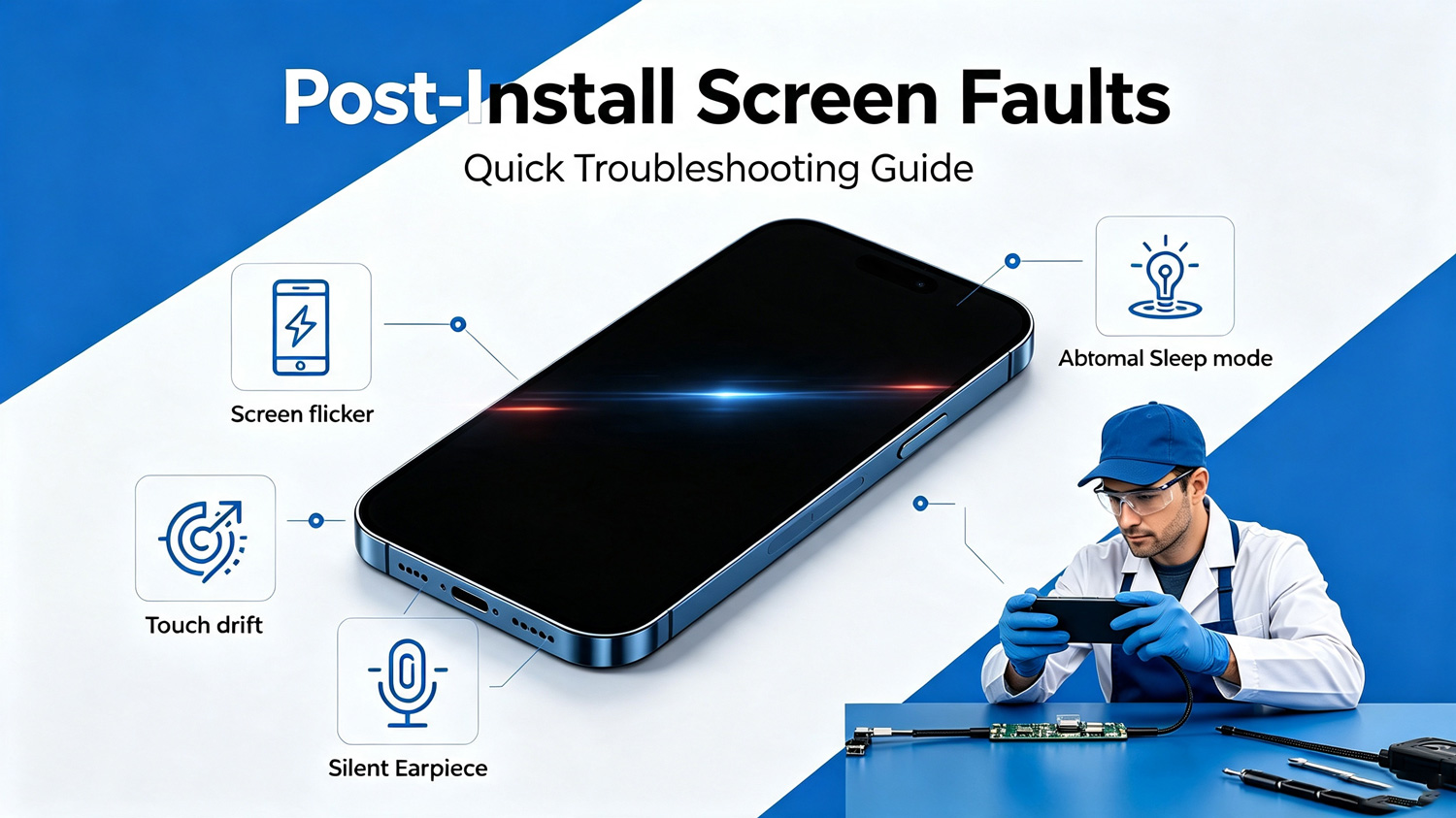
Post-Install Screen Faults & Quick Troubleshooting Guide
Solve Flicker, Touch Drift, Sleep & Speaker Audio Problems
After installing a new replacement screen, repair technicians often encounter unexpected functional failures. Most issues come from improper installation
instead of defective screens. Below are common faults and simple troubleshooting steps for daily repair work.
1. Screen flickering: Re-seat the LCD flex cable firmly and check for bent pins on the connector; avoid squeezing the screen frame too tight.
2. Touch drift & unresponsive zones: Clean dust off the touch flex interface; confirm no foreign objects are stuck between the screen and mid-frame.
3. Abnormal sleep/wake function: Double-check the proximity sensor alignment and ensure the sensor protective film is fully removed.
4. Earpiece no sound: Verify the earpiece flex is fully connected, and no adhesive blocks the earpiece sound hole.
All YEZONE screens pass full functional testing before shipment. If you follow the above steps and the fault still exists, our technical support team can provide professional guidance.
Purchase fully inspected, stable-quality screen assemblies from us. Contact our team to get wholesale catalogs and technical support for your repair store
today!